If your website isn’t ranking, the problem might not be your content. It might be your foundation.
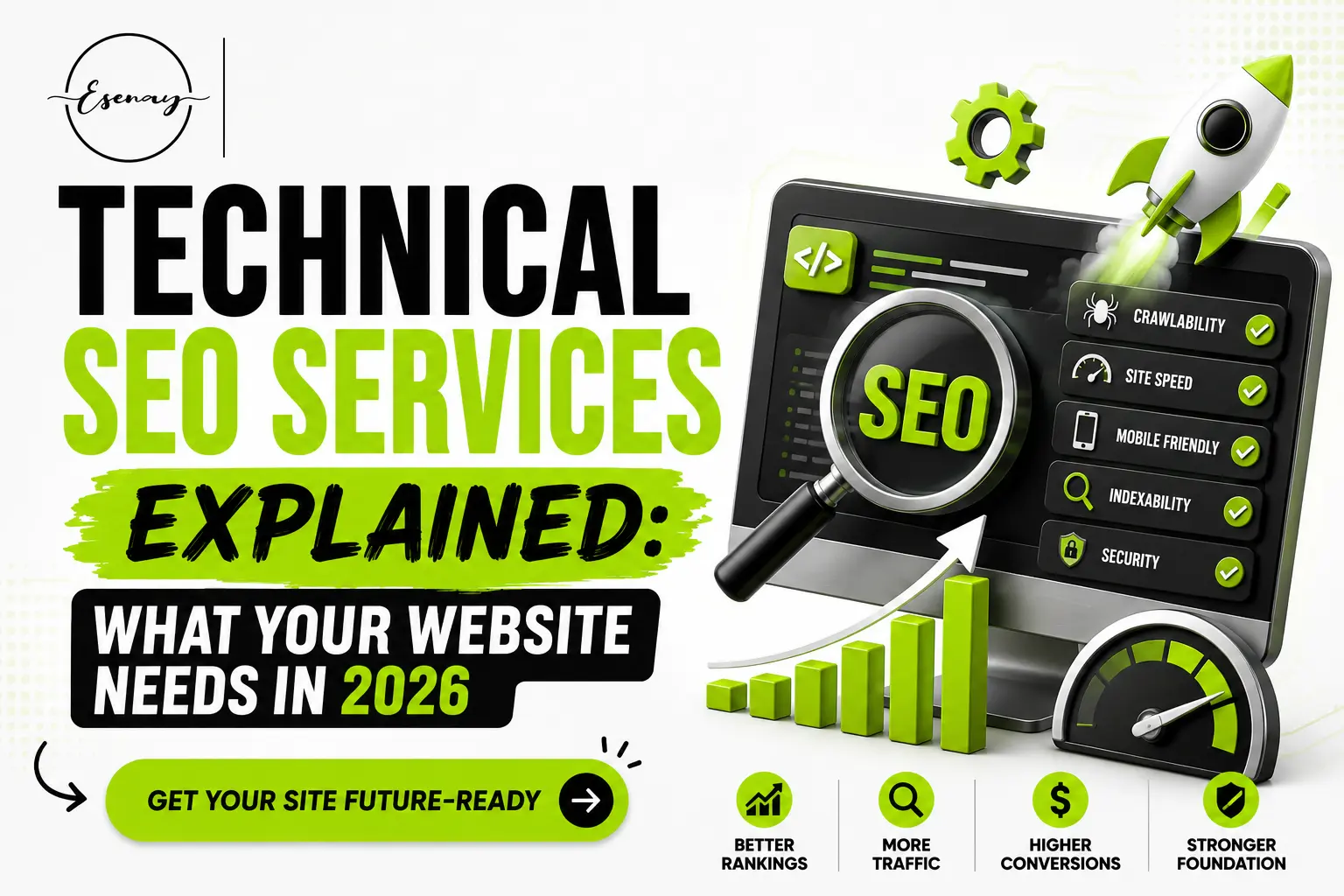
Technical SEO is the behind-the-scenes work that makes your site readable, fast, and trustworthy to search engines. It includes page speed, crawlability, structured data, and mobile usability. When done right, it helps Google find your pages, understand them, and rank them above competitors who are producing similar content. US businesses can quickly stop losing traffic to fixable problems by investing in technical SEO services in USA.
Esenay Digital is built for business owners and marketing teams who want clear, honest SEO guidance without the agency runaround. Every resource on the site is written by practitioners who actually run campaigns, not generalists guessing from the sidelines. If you’ve been told your SEO is “fine” but your traffic tells a different story, you’re in the right place. This post breaks down technical SEO from the ground up so you can understand what’s being done, why it matters, and what to ask for in 2026.
What You’ll Learn
- What technical SEO actually includes (and what it doesn’t)
- Why Google rewards technically clean sites with better rankings
- The step-by-step process for auditing and fixing your site
- The most common technical SEO mistakes US businesses make
- What to look for when hiring a technical SEO provider
What Is Technical SEO?
Technical SEO is the process of improving the infrastructure of your website so search engines can crawl, index, and rank it effectively. Think of it this way: your content is the message, and technical SEO is the postal system that makes sure it gets delivered.
It doesn’t replace content or backlinks. It works alongside them. A well-written page buried under crawl errors and slow load times will still underperform. That’s the part most people skip.
Why Does Technical SEO Matter in 2026?
Google has gotten much better at detecting poor site quality, not just poor content. Here’s why technical SEO now directly affects your visibility:
- Crawl efficiency – means Google can find and index your pages without wasting its budget on dead ends or duplicate content
- Core Web Vitals – are official ranking signals, and slow, janky pages get quietly penalized in competitive markets
- Mobile-first indexing – means Google ranks your site based on the mobile version, not the desktop version most designers focus on
- Structured data – helps AI-driven results like Google’s AI Overviews pull your content for featured answers
- HTTPS and security signals – affect both rankings and user trust, especially for transactional pages
- Duplicate content issues – silently split your ranking power across multiple URLs instead of concentrating it where it counts
For US-based businesses competing in dense niches, any one of these issues can cost you dozens of ranking positions.
How to Approach Technical SEO: A Step-by-Step Process
Step 1 – Run a Full Site Crawl
Use a tool like Screaming Frog, Sitebulb, or Google Search Console to crawl your entire website. This gives you a snapshot of broken links, redirect chains, missing meta tags, duplicate titles, and pages Google can’t access.
Don’t skip this step even if your site feels “fine.” Most technical problems are invisible to the human eye.
Pro Tip: Start with your Search Console Coverage report. Pages marked “Excluded” or “Crawled but not indexed” often reveal the most urgent issues.
Step 2 – Fix Crawlability and Indexation Problems
Check your robots.txt file and make sure you’re not accidentally blocking important pages. Verify your XML sitemap is up to date and submitted to Google. Make sure your canonical tags are pointing to the right URLs.
If Google can’t find your page or is confused about which version to index, no amount of content will help it rank.
Step 3 – Improve Page Speed and Core Web Vitals
Run your key pages through Google PageSpeed Insights and focus on three metrics: Largest Contentful Paint (LCP), Interaction to Next Paint (INP), and Cumulative Layout Shift (CLS). Google uses these to measure real user experience.
Compress images, reduce unused JavaScript, and enable browser caching. If your site runs on WordPress, caching plugins and a CDN can cut load times dramatically.
Pro Tip: LCP is almost always fixable by optimizing your hero image. Switch to WebP format and add a loading=”eager” attribute to the largest image above the fold.
Step 4 – Audit Internal Linking and URL Structure
Your internal links distribute ranking authority across your site. A page with no internal links pointing to it is essentially invisible, even if it’s indexed.
Map out your most important pages and make sure they’re linked from your homepage, navigation, and related blog posts. Keep URLs short, lowercase, and descriptive. Avoid dynamic parameters wherever possible.
Step 5 – Add Structured Data (Schema Markup)
Schema markup is code that tells search engines exactly what your content is: a product, a review, a FAQ, a local business. It doesn’t directly boost rankings, but it increases your chances of winning rich results and AI Overview citations.
For US service businesses, LocalBusiness schema and FAQ schema are the two highest-priority types to implement.
Step 6 – Secure and Clean Up Your Site
Make sure your entire site runs on HTTPS. Check for mixed content warnings where pages load over HTTPS but pull in images or scripts over HTTP. These break the secure connection and can trigger browser warnings that kill conversions.
Also, audit for orphan pages, thin content pages, and near-duplicate pages that fragment your authority without adding value.
Real-World Example
Here’s the thing: technical SEO problems aren’t always obvious until you look.
A mid-sized HVAC company in Texas, let’s call them Summit Air, had been publishing service pages and blog content for two years. Traffic was flat. A technical audit revealed three compounding problems: their service area pages were accidentally set to “noindex” after a site redesign, their XML sitemap hadn’t been updated and was pointing to old URLs, and their mobile page speed score was 31 out of 100.
After fixing crawlability, resubmitting the sitemap, and compressing images, organic traffic climbed 67% over the following four months. The content didn’t change. The foundation did.
This is exactly what technical seo services in USA address when done properly: not trends, but fundamentals that keep breaking every time someone updates a website.
What Most People Get Wrong About Technical SEO
“Technical SEO is a one-time fix.” It’s not. Every site update, plugin change, or redesign introduces new issues. Technical SEO requires regular audits, not a single cleanup.
“If my site loads fine on my laptop, speed isn’t a problem.” Your laptop is probably powerful, on fast Wi-Fi, with a cached version of your site. Google tests on mid-range Android devices on 4G. That’s a very different experience.
“Schema markup will directly boost my rankings.” Schema doesn’t boost rankings on its own. It helps Google understand your content and may earn you rich results, but it’s not a ranking cheat code. Don’t let anyone sell it to you as one.
“More pages always means more traffic.” Thin, duplicate, or near-identical pages can actually dilute your authority and confuse Google about which page to rank. Quality and consolidation often beat volume.
Common Mistakes to Avoid
- Ignoring Search Console warnings: These are direct messages from Google about problems. Most site owners check them once and forget them.
- Using the wrong canonical tags: A misconfigured canonical tells Google to ignore your best page and index a weaker one instead.
- Forgetting mobile UX: Buttons too close together, text too small, and pop-ups that cover content all trigger poor Core Web Vitals scores.
- Redirecting everything to the homepage: When you delete a page, redirect it to the most relevant live page, not the homepage. Lazy redirects burn link equity.
- Not monitoring crawl budget: Large e-commerce or multi-location sites can exhaust Google’s crawl budget on unimportant pages, leaving key content unindexed.
Frequently Asked Questions
Q1 : What exactly is included in technical SEO services?
A: Technical SEO services typically include site audits, crawlability fixes, page speed optimization, mobile usability improvements, structured data implementation, internal linking cleanup, and ongoing monitoring. The specifics depend on your site’s current condition and goals.
Q2 : How long does technical SEO take to show results?
A: Most technical fixes show measurable impact within 4 to 12 weeks, depending on how frequently Google recrawls your site. Critical fixes like indexation errors can show results faster once Google reprocesses your pages.
Q3 : Do I need technical SEO if I’m already creating good content?
A: Yes. Great content on a technically broken site is like a well-written letter that never gets delivered. Both elements need to work together. Content brings the message; technical SEO ensures Google can find and understand it.
Q4 : How much do technical SEO services cost in the USA?
A: Pricing varies widely. Freelancers may charge $500 to $2,000 for a one-time audit. Agencies offering ongoing technical SEO typically range from $750 to $5,000+ per month depending on site size and complexity.
Q5 : Can I do technical SEO myself, or do I need an expert?
A: Basic fixes like submitting a sitemap, adding HTTPS, or compressing images are doable on your own. But issues like crawl budget management, JavaScript rendering problems, or complex redirect chains usually need someone with hands-on experience to avoid making things worse.
Q6 : Is technical SEO different from regular SEO?
A: Yes. Regular SEO is an umbrella term that includes content, backlinks, and technical factors. Technical SEO specifically focuses on your site’s infrastructure, not what you publish or who links to you.
CONCLUSION
Technical SEO isn’t glamorous, but it’s often the reason a website succeeds or quietly stalls. The fundamentals: crawlability, speed, structure, and indexation haven’t changed. What’s changed is how much Google penalizes sites that ignore them. Get the foundation right, and your content finally has a fighting chance.
Your next step is simple: run a free crawl of your site using Google Search Console and look at what’s been excluded from the index. That single report will tell you more than most paid audits.
Ready to stop guessing and start fixing?
Explore the technical seo services in USA at Esenay Digital and get a clear picture of exactly what your site needs to rank in 2026.